
Sooner or later, every growing stone business hits the same wall. The yard has more slabs than anyone can keep in their head, the sales team double-books a bundle, an export container leaves with the wrong packing list, and the owner realises that nobody can say what the last twenty blocks actually yielded.
That is usually the moment someone types "stone ERP software" into a search bar. And that is where it gets confusing. Some tools are built for countertop fabricators. Some are built for distributors. Some are generic ERPs with a stone module bolted on. Some are spreadsheets with a nice front end.
This guide is meant to help you sort through them fairly. We make stone software ourselves, so we will tell you where Know-Now fits at the end. But the main goal is simple: help you pick the right category of tool for your business, and ask the right questions before you sign anything.
What a stone ERP must handle (that generic software does not)
Accounting software and spreadsheets are good at money and lists. Stone is neither. It is a physical, unique, heavy material whose value changes at every step between quarry and customer. Any system you choose should handle the following without workarounds.
Block identity
Every block is different: quarry, supplier, dimensions, weight, grade, defects, photos, cost. A stone ERP should give each block a unique ID at the gate and keep that history attached to everything that comes out of it. A generic ERP treats a block as "1 unit of raw material", which loses exactly the information you need later.
Yield in m² and m³
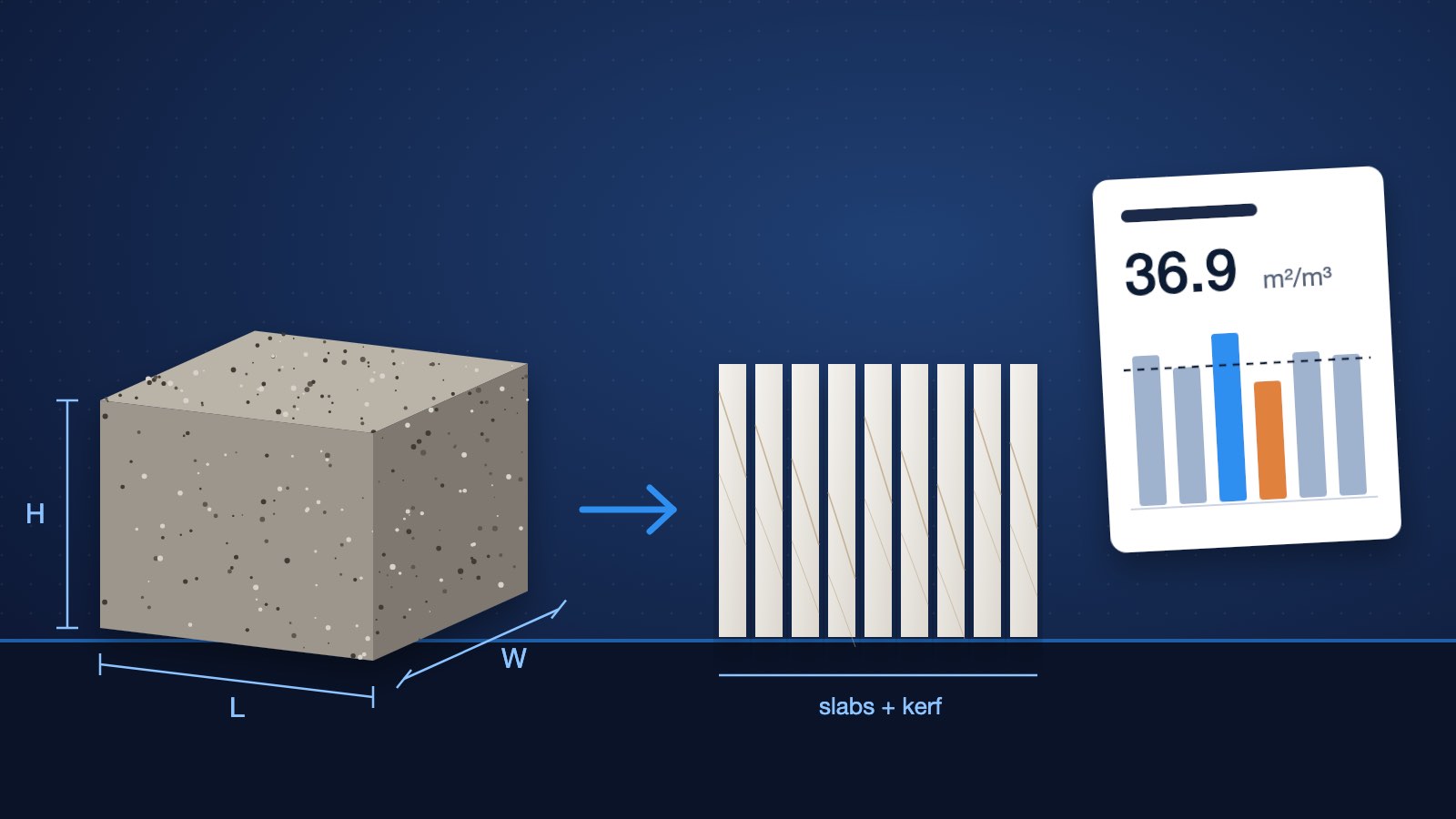
The real question in processing is not "how many blocks did we cut?" but "how many square metres of saleable slab did each cubic metre of block give us?" The system should record the block's volume in, the slab area out, and the waste, offcuts and seconds in between, then report yield per block, per material and per quarry. If you want to see how the calculation works, read our guide on block-to-slab yield calculation or try the yield calculator.
Lot, bundle and slab-level inventory
Stone is sold by the slab, the bundle and the lot, and every slab has its own size, thickness, finish, grade and photo. Customers choose by looking. Your inventory has to answer "which exact slabs are in bundle 14, where are they in the yard, and what do they look like?" Item-and-quantity stock, the kind generic ERPs and Tally are built around, cannot do this.
Reservations and holds
A buyer who has chosen eight book-matched slabs expects those eight slabs, not "eight slabs of the same material". The system needs reservations against specific slabs, with expiry dates and clear visibility for the whole sales team, so nobody sells the same bundle twice.
Containers and export documents
For exporters, the job does not end at the sale. Bundles have to be planned into containers within weight limits, and the packing list, commercial invoice and other documents have to match what was physically loaded. A stone ERP should build those documents from the same slab records, not from a separate spreadsheet retyped at midnight.
If much of your business still runs on registers, WhatsApp and Excel, our article on why the stone industry still runs on Excel and memory explains why that works up to a point, and where it breaks.
The main categories of stone software
Before comparing vendors, decide which category you are shopping in. Most disappointment with stone software comes from buying a good tool from the wrong category.
1. Fabricator and countertop shop software
Built for businesses that template, cut and install kitchen tops, vanities and similar projects. Typical strengths: quoting and estimating, drawings, job scheduling, installer crews and job costing. Slab inventory exists, but mostly to supply jobs. Block processing and export are usually outside the scope.
2. Distributor and wholesaler ERPs
Built for businesses that buy finished slabs and tiles and sell them on from one or more warehouses. Strengths: slab-level inventory, barcoding, holds, landed cost, multi-location stock, sales and accounting. Some also cover manufacturing to a degree.
3. Stone-specific factory and export ERPs
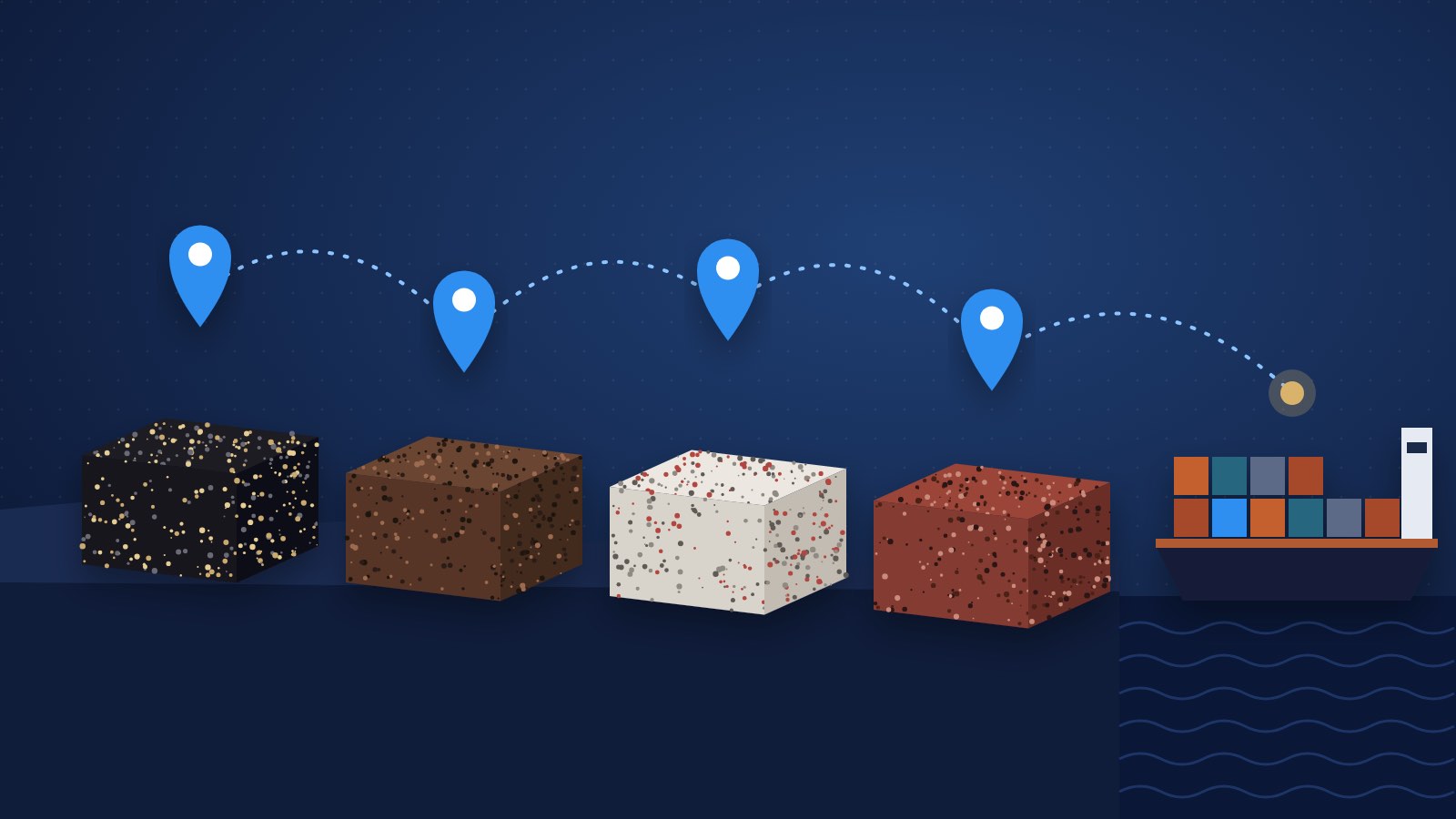
Built for processors who buy blocks, cut them on gang saws or multi-wire machines, finish the slabs and sell them domestically or overseas. Strengths: block procurement, cutting and stage tracking, yield, slab inventory with block traceability, reservations and, in some cases, container and export documentation.
4. Generic ERPs customised for stone
Platforms such as Odoo, SAP Business One or Microsoft Dynamics, configured or extended by a partner. They are powerful and flexible, with strong accounting and integrations. The trade-off is that stone concepts (block genealogy, yield, slab photos, bundles) have to be built or customised, and the quality of the result depends heavily on the implementation partner and the budget.
5. Spreadsheets and accounting software
Excel, Google Sheets and Tally. Cheap, familiar and fast to start. They work well for small volumes and a single person who owns the file. They struggle with many users, live stock, photos, reservations, traceability and anything that needs to stay consistent across sales, yard and accounts.
A neutral look at some named vendors
People often search for alternatives to specific products, so here is a short overview of some of the names that come up. We have kept this strictly to what each vendor or its public listing says about itself, checked at the time of writing. Products change, so always confirm the current scope directly with the vendor.
Stone Profit Systems
Stone Profit Systems presents itself as an ERP for the stone industry and says it can be tailored to distributors, fabricators and manufacturers. Its website lists inventory and barcoding, purchasing, quotes, holds, sales, scheduling, accounting, reports, multiple locations and web-based access. For distributors it mentions multiple sizes per slab, landed cost and holds; for manufacturers it mentions block yield analysis, inspection reports and finished goods costing.
Stonify
Stonify describes itself as "built for countertop and stone fabrication shops". Its site lists quotes and estimating, drawing, inventory, scheduling and routing, accounting, reports and a CRM and sales pipeline, plus a mobile app for installers and crews. It states that it is hosted on Microsoft Azure.
SixOrbit
SixOrbit (by Accrete Globus Technology, India) offers a marble and granite ERP. Its industry page describes block-wise and slab-wise stock with unique identifiers, slab blocking linked to advance payments, block squaring with yield tracking, gang saw scheduling, container and shipment tracking, and yield estimation from block dimensions. It also mentions retail, distribution and manufacturing settings, a customer portal and an AI assistant for natural-language reports.
DONOZ
DONOZ describes itself as a stone factory management platform based in Kishangarh, built to replace manual registers in stone factories in India. Its site lists block intake and gantry operations, sawing, slab inventory, sales and dispatch, party management, consumables costing, analytics and built-in double-entry accounting, delivered as a cloud SaaS that works on a phone.
Each of these has a clear focus, and that focus is the most useful thing to know. A countertop shop and an export-oriented processor in Rajasthan are not buying the same product, even if both are buying "stone ERP software".
Which category suits which business?
| Business type | Day-to-day priorities | Usually a good fit | Usually a weaker fit |
|---|---|---|---|
| Countertop and fabrication shop | Quotes, templating, drawings, jobs, installs | Fabricator software | Factory/export ERPs, spreadsheets beyond a few jobs a week |
| Slab distributor or wholesaler | Multi-location slab stock, holds, landed cost, sales | Distributor ERPs, stone-specific ERPs | Fabricator software, generic ERP without stone customisation |
| Block processor (factory) | Block purchasing, cutting plans, stages, yield, costing | Stone-specific factory ERPs | Fabricator software, accounting software alone |
| Exporter | Bundles, reservations, containers, export documents, multi-currency | Stone-specific factory/export ERPs | Fabricator software, spreadsheets |
| Showroom or retailer | Visual slab selection, reservations, quotes, follow-up | Stone ERPs with good slab photos and CRM, some fabricator tools | Generic ERPs, spreadsheets |
| Trader (buy-sell, no factory) | Supplier stock, margins, quick quotes, dispatch | Distributor or stone-specific ERPs | Heavy generic ERP projects |
| Very small or just starting | Simple stock list and invoices | Spreadsheets plus accounting software, then migrate | Large ERP implementations |
A generic ERP customised for stone can fit almost any row if you have the budget, the internal IT capacity and a partner who understands stone. It is rarely the fastest route.
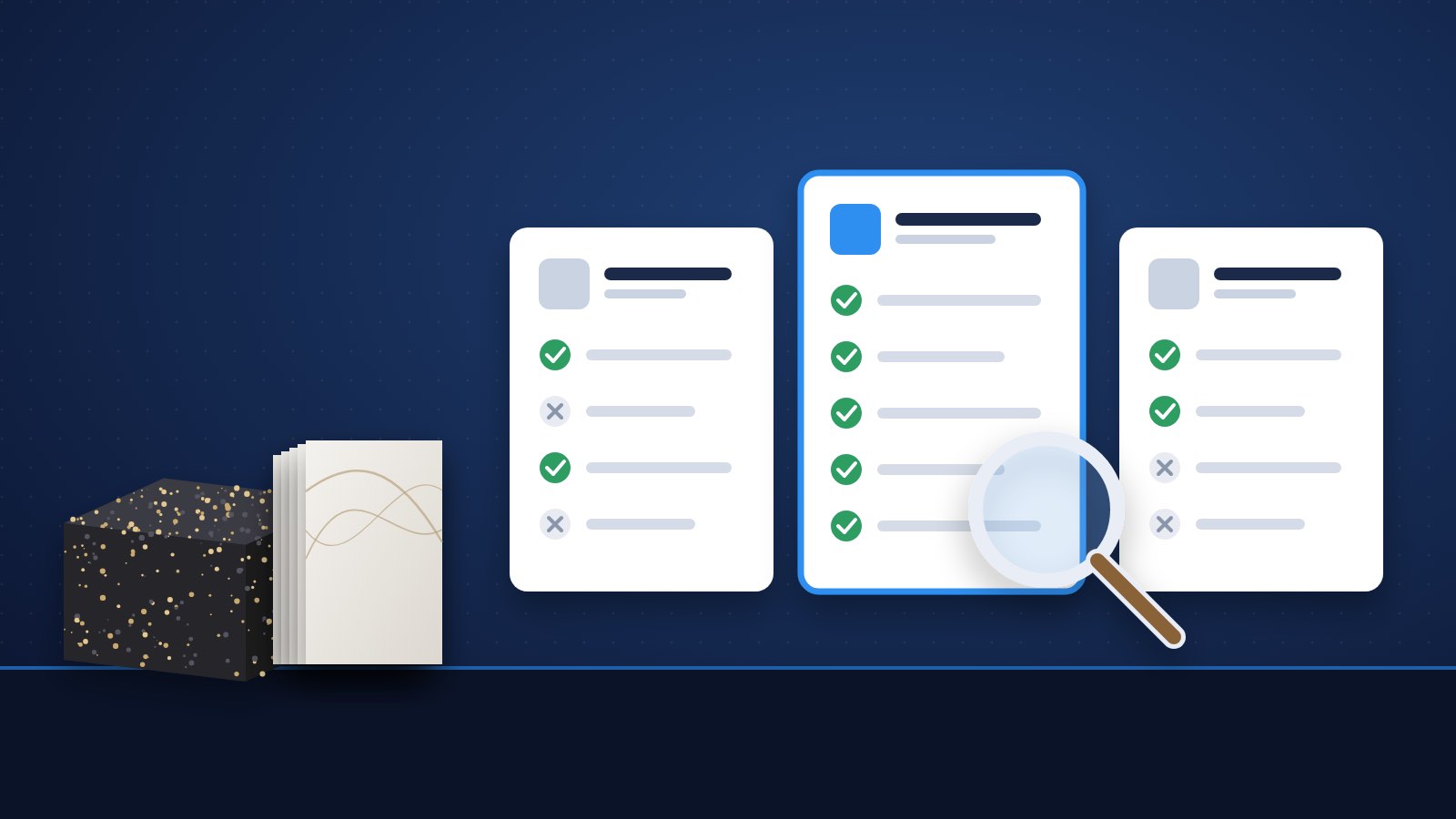
The demo checklist: questions to ask every vendor
Demos are designed to look smooth. The way to learn the truth is to bring your own data and your own awkward cases. Here is a checklist you can copy.
Blocks and production
- Can you show a block arriving at the gate, with dimensions, weight, quarry, grade, photos and cost, getting a unique ID?
- Can you follow that block through cutting, resin, polishing and inspection, and show where every slab came from?
- How is yield calculated? Which units (m³ in, m² out, or both)? Can I see yield by quarry and supplier?
- How are rework, breakages and seconds recorded, and do they affect slab cost?
- Can the shop floor update stages from a phone, with poor connectivity?
Inventory and sales
- Can I see every slab in a bundle, with photo, size, finish and yard location?
- How do reservations work? Can they expire automatically? Who sees them?
- Can the sales team quote from live stock, with real photos, from a phone or tablet?
- How are remnants and offcuts tracked and sold?
- Does the CRM link enquiries, quotes and orders to the actual slabs?
Export and documents
- Can I plan bundles into a container and see the weight before loading?
- Are the packing list and commercial invoice generated from the same slab records?
- Does it handle multiple currencies and the units my buyers use (m², sq ft)?
Language, data and support
- Which languages does the interface support, for my office and for my buyers?
- How do we import our current stock and open orders from Excel or Tally?
- Can we export all our data if we leave? In what format?
- Who does implementation and training, in which time zone, and in which language?
- Is the published pricing per user, per site or per module? What is extra?
The most important test
Ask the vendor to run one of your real blocks through the system during the demo: from purchase to slabs to a reservation to an invoice. If that takes ten minutes, you are probably looking at a tool built for your kind of business. If it takes a week of "configuration", you have learned something too.
Red flags and good signs
A few patterns are worth watching for during evaluation.
Good signs:
- The vendor asks about your process (blocks, bundles, containers) before showing screens.
- Stone vocabulary is native in the product: blocks, slabs, bundles, gang saws, finishes, yield.
- You can start with one area (for example, yard stock) and add the rest later.
- Data import from Excel is a standard part of onboarding.
Things to clarify:
- Every stone-specific requirement is answered with "we can customise that". Ask how much, how long and who maintains it after upgrades.
- Slab photos are an add-on, or stored outside the system.
- Reservations exist, but only at the material level, not at the slab level.
- Export documents are produced in a separate tool.
None of these is automatically a deal-breaker. They are simply the places where costs and frustration tend to appear six months after go-live.
Where Know-Now fits
Know-Now is a stone-specific ERP built for the factory-to-export part of the market: granite and marble processors, exporters, traders and showrooms. It covers block procurement, block-to-slab production with stage tracking and yield, lot and bundle slab inventory with photos and reservations, sales and CRM, export containers and documents, and analytics, in one system.
It runs in English, Italian and Spanish, which matters when your office, your yard and your overseas buyers do not share a single working language. The team is based in India, a country with a large granite processing and export industry, and works with stone businesses internationally.
If you mainly template and install kitchen countertops, a dedicated fabricator tool is likely a better match for your day-to-day work. If your business starts at the block and ends at a container, or at a showroom where customers choose specific slabs, Know-Now is designed for exactly that path.
Explore how it works for your type of business:
- Stone processors: blocks, cutting, stages and yield
- Stone exporters: bundles, containers and export documents
- Showrooms and retailers: visual slab selection and reservations
- Stone traders: stock, margins and fast quotes
- Granite ERP for India: built for Indian granite factories and exporters
The bottom line
Choosing stone ERP software is less about finding the "best" product and more about finding the right category for the way your business makes money. Fabricators need jobs and installs. Distributors need multi-location slab stock. Processors and exporters need block identity, yield, reservations and containers. Generic ERPs can do almost anything, at a price.
Write down your five most painful daily problems, bring real data to every demo, and ask each vendor to walk one block through their system. The right choice usually becomes obvious quickly.
If you would like to see that test with your own blocks and slabs, book a demo and we will walk through your workflow, from the gate to the container.